 Android App
RapidSnag
A fast, on-device way to capture little problems the moment you notice them — a snag you spot, a defect you find, a fix that needs doing. Snap a photo, give it a title and a short note, set a priority, file it under a SnagList and assign it to someone — and it's on your list before you forget it.
Features
Capture in seconds
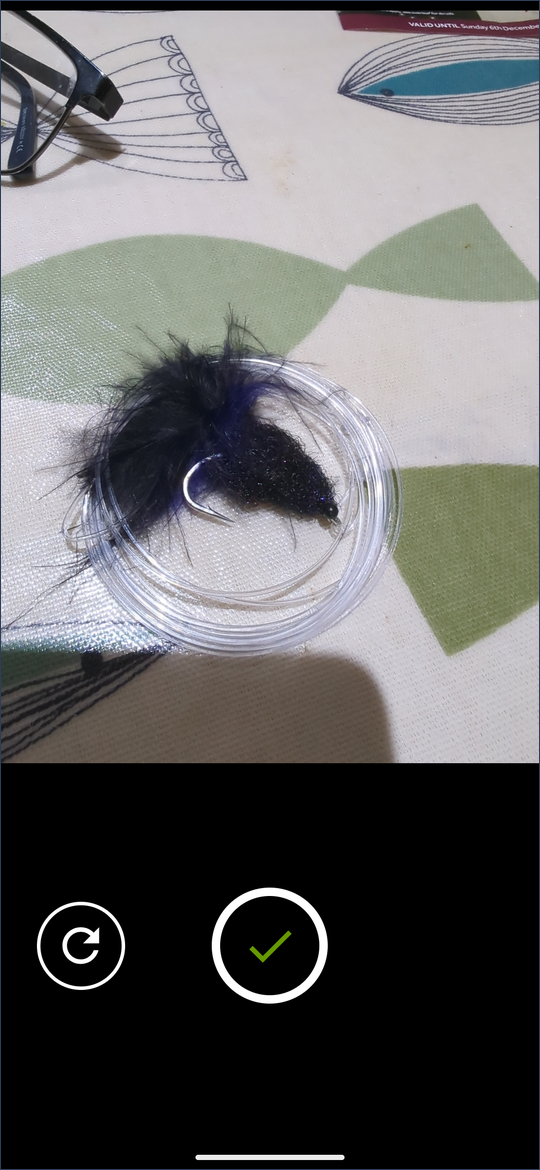
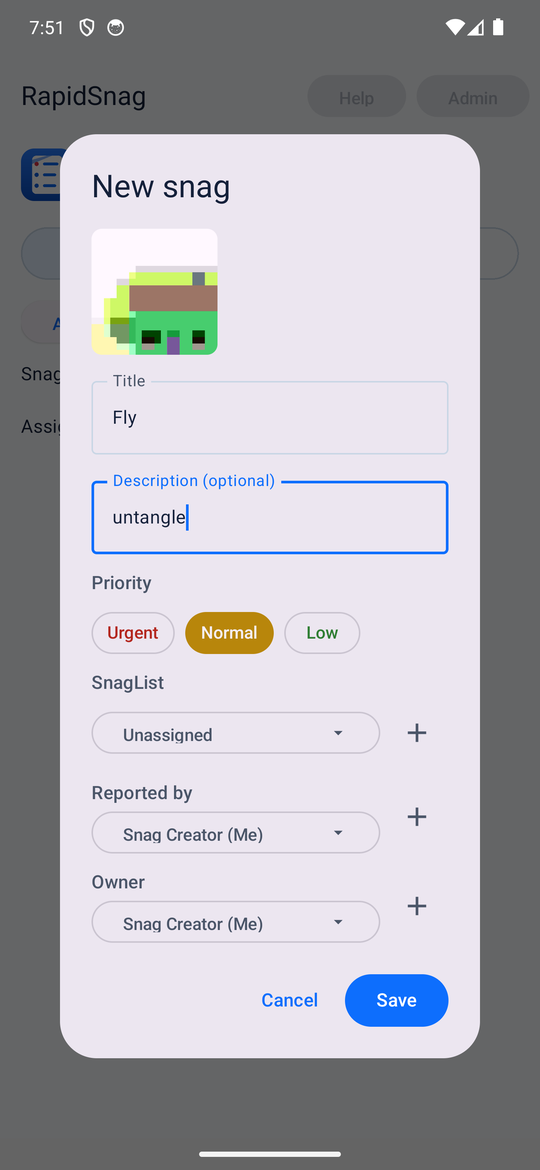
Tap the button, snap a photo, give it a title and a short note, and set a priority. The photo rides along in the dialog so you can see what you're logging. No accounts, no forms, no friction — the snag is logged while it's still fresh.
See it at a glance
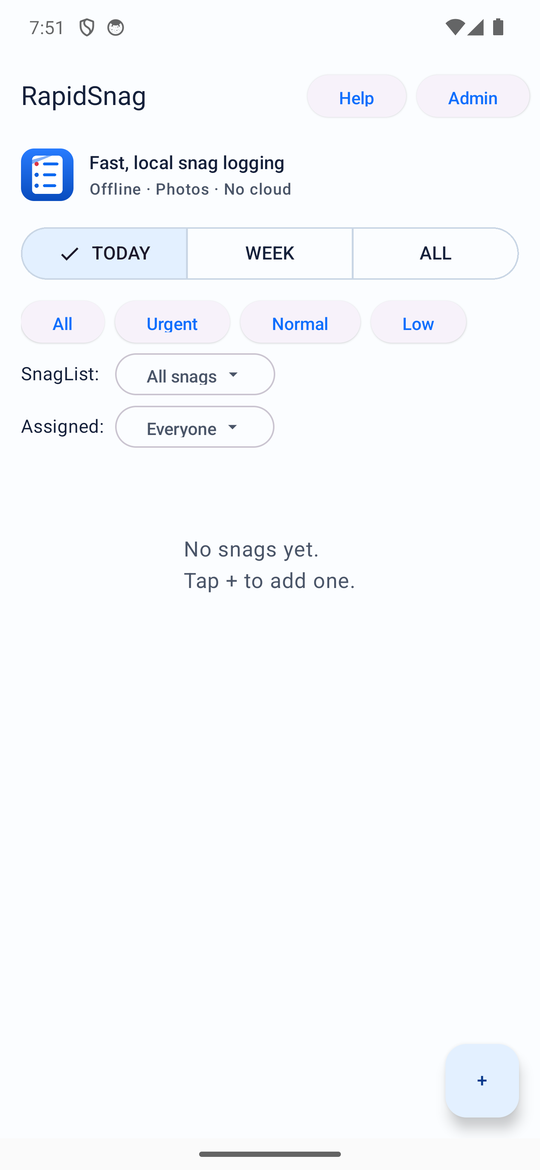
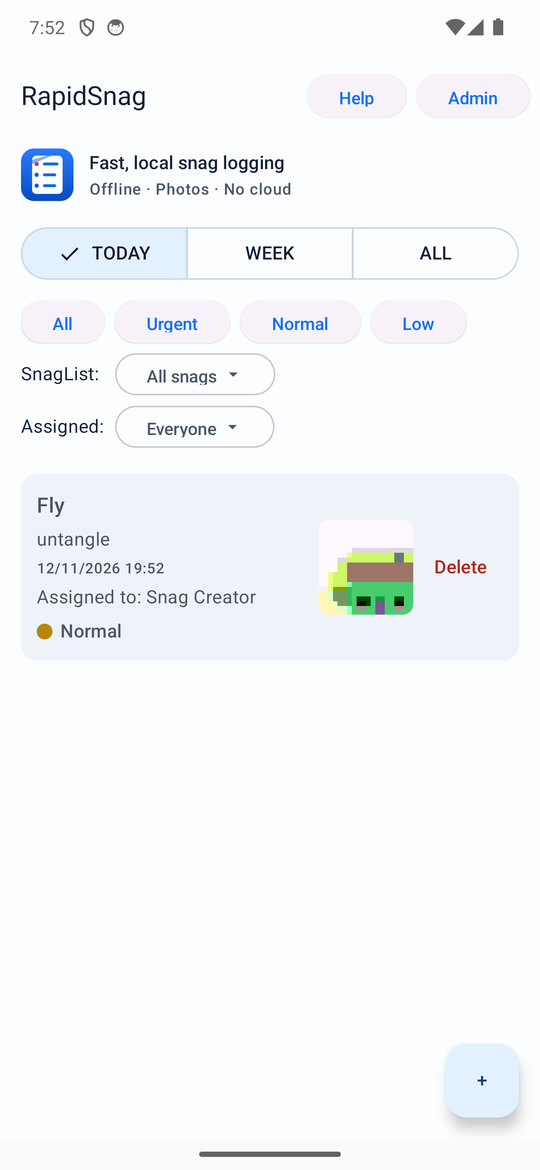
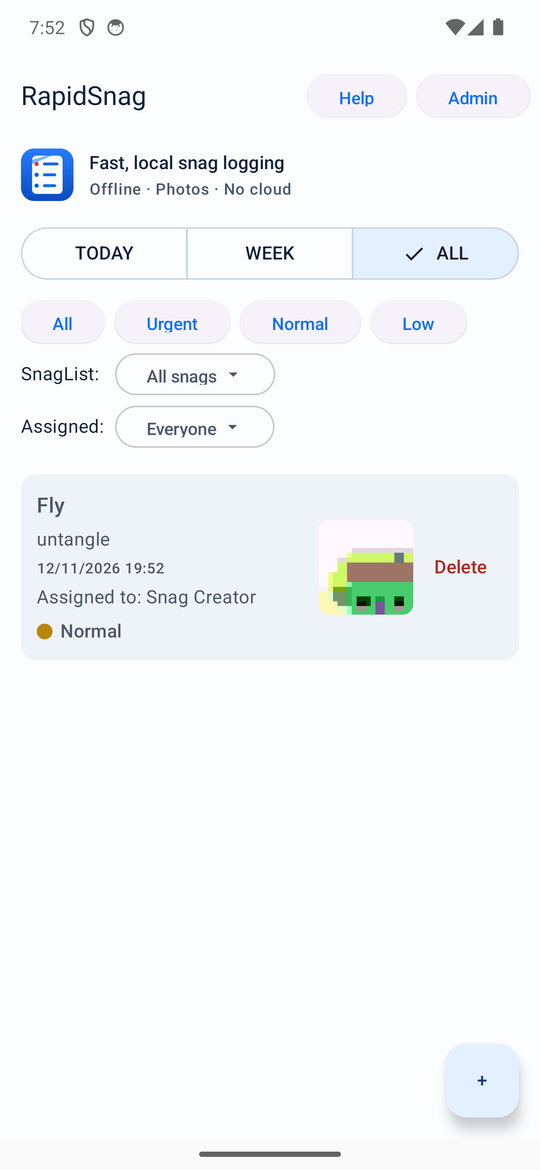
Each snag is a card with its title, note, time, who it's assigned to and priority — and its photo as a quick thumbnail right there, so you can scan what you've caught without opening anything.
Priorities
Mark each snag urgent, normal or low so the important ones jump to the top and the small stuff can wait.
SnagLists
Group snags under named lists — a job, an area, a machine — and filter the main view down to one of them. Manage your lists from Admin; delete one and its snags fall back to "Unassigned" rather than disappearing.
Assign to people
Every snag records who reported it and who owns it. Keep a people list in Admin, or add someone on the fly from the New snag dialog, then filter the list by person to see what's on each plate.
Smart filters
See what you caught today, this week, or everything — then layer on priority, SnagList and person filters to focus on exactly what needs attention now. Prefer a running backlog? Turn on "Include old snags in Today" and unfinished snags persist from day to day.
Back up & move
Export your snags and photos to a zip file, or import one you made earlier — your records travel with you and are never locked to a single phone.
Offline & private
Everything is stored on your device. No account, no cloud, no connectivity needed — just open and use.
Screens
RapidSnag is coming soon to Google Play.
Paid app · no account required · spot a snag, snap it, done